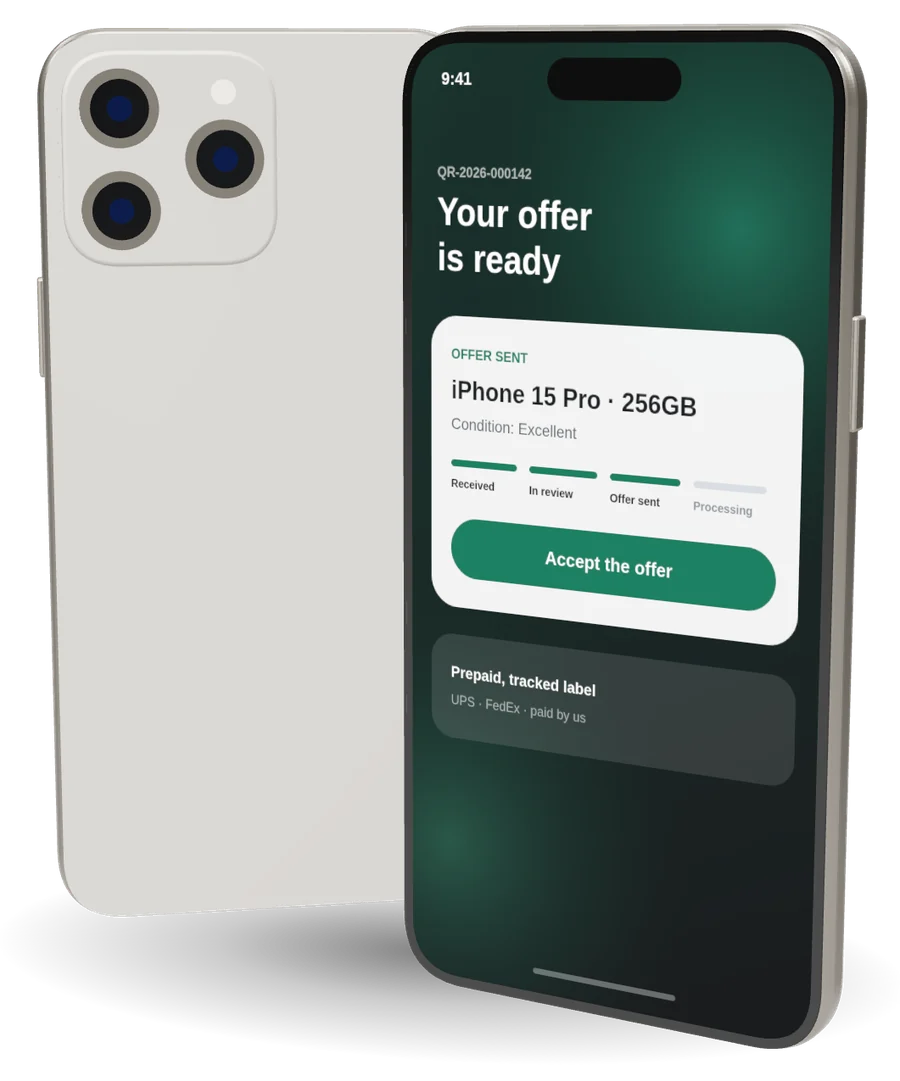
Before your iPhone leaves your hands, a few minutes of preparation protects your personal data and makes sure the sale can go ahead. The steps are the same whether you bring your iPhone to Apple World or mail it to us.
1. Back up your iPhone
Make a backup to iCloud or to a computer so you can move your photos, messages and apps to your next phone. On your iPhone, go to Settings, tap your name, then iCloud, then iCloud Backup, and tap Back Up Now. Stay on Wi-Fi until it finishes.
2. Unpair your Apple Watch
If you use an Apple Watch with this iPhone, unpair it first from the Watch app on the iPhone. Unpairing also backs up the watch to your iPhone.
3. Sign out and turn off Find My
This is the step that matters most. While Find My is on, Activation Lock keeps the iPhone tied to your Apple Account, and a locked device cannot be sold. Go to Settings, tap your name, scroll down and tap Sign Out, then enter your Apple Account password when asked.
4. Erase all content and settings
Go to Settings, then General, then Transfer or Reset iPhone, and tap Erase All Content and Settings. This removes your data and returns the iPhone to its factory state. If your iPhone uses an eSIM, move it to your new phone or ask your carrier about keeping your number before you erase.
5. Take out your SIM card
If your iPhone has a physical SIM card, take it out and keep it for your next phone.
6. Describe its condition as it is
When you send us its details, tell us about any scratches, cracks or anything that does not work, and add a few photos. An accurate description gives you an accurate offer. If our inspection finds a difference, we send you a revised offer with the reason, and you decide whether to accept it.
Your checklist
- Backed up to iCloud or a computer
- Apple Watch unpaired
- Signed out, Find My off
- Erased: all content and settings
- SIM card removed
- Condition described, with photos
Your iPhone is ready? Get a Quote